Build a SaaS App Without Coding: Prompt to Stripe Payments
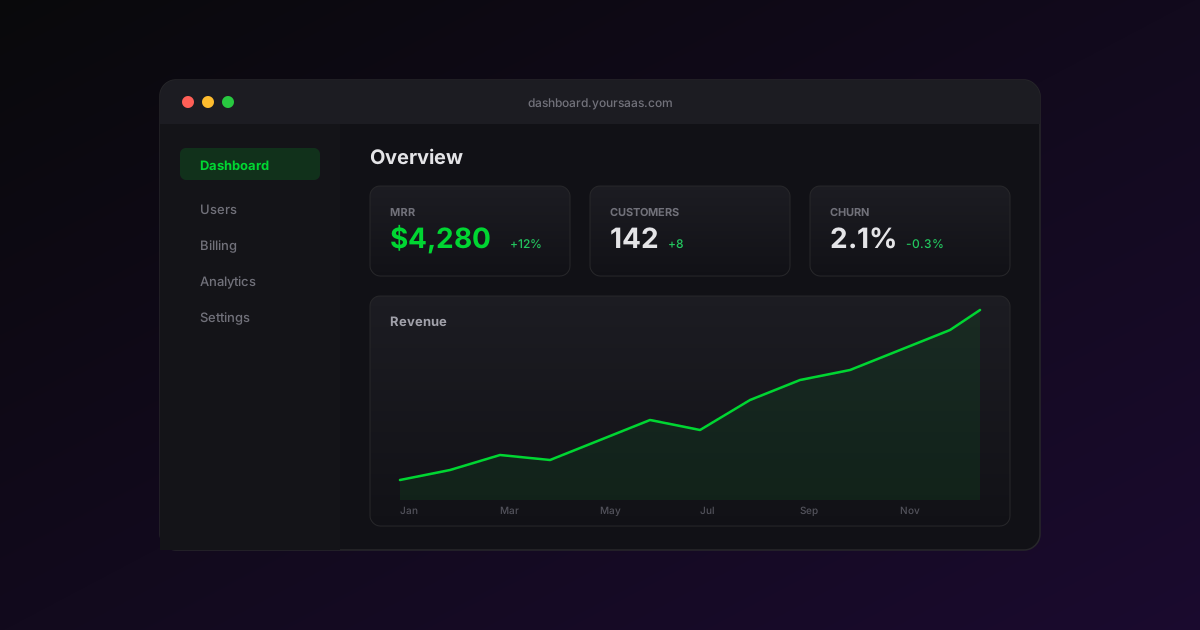
You can build a SaaS app without coding and have it accepting Stripe payments in under an hour. Here's how to do it with Appifex, step by step.
What you'll build
A complete SaaS application with:
- User authentication (sign up, login, password reset)
- Dashboard with analytics charts
- Stripe subscription payments
- Admin panel for managing users
- Responsive design that works on all devices
Step 1: Describe your app
Start with a clear prompt that covers the core of your SaaS:
Build a project management SaaS with:
- User authentication with email and password
- A dashboard showing project stats (active projects, completed tasks, team members)
- Project list with create, edit, and archive
- Task board with kanban columns (To Do, In Progress, Done)
- Team member invite system
- Clean dark sidebar navigation
Appifex generates the full frontend with React, TypeScript, and Tailwind CSS. The result is a working app with a live preview URL.
Step 2: Add a backend
Once the frontend looks right, add server-side logic:
Add a backend with:
- User authentication API
- PostgreSQL database for projects, tasks, and team members
- REST API endpoints for all CRUD operations
- Role-based access control (admin, member)
Appifex generates a Python FastAPI backend with database migrations, API documentation, and connects it to your frontend automatically.
Step 3: Add payments
Add Stripe subscription payments with three tiers:
- Free: 3 projects, 1 team member
- Pro ($20/month): unlimited projects, 10 team members
- Enterprise ($100/month): everything unlimited, priority support
Show a pricing page with feature comparison table
Step 4: Polish and ship
Iterate with follow-up prompts to refine the design, add features, and fix any issues. When you're satisfied:
- Click Publish to deploy to Vercel
- Connect your custom domain
- Start onboarding users
Why Appifex for SaaS
Unlike drag-and-drop builders, Appifex generates real code:
- Full source code on GitHub -- no vendor lock-in
- Production-ready stack -- React, TypeScript, Python, PostgreSQL
- AI error recovery -- the agent fixes build errors automatically
- Iterate with conversation -- add features by describing them
Ready to build your SaaS? Get started for free. For more on how the backend works, see our post on production code architecture. If you want to add a native mobile app to your SaaS, check out how Appifex builds real React Native apps. And for the full pricing breakdown, visit Appifex pricing.